

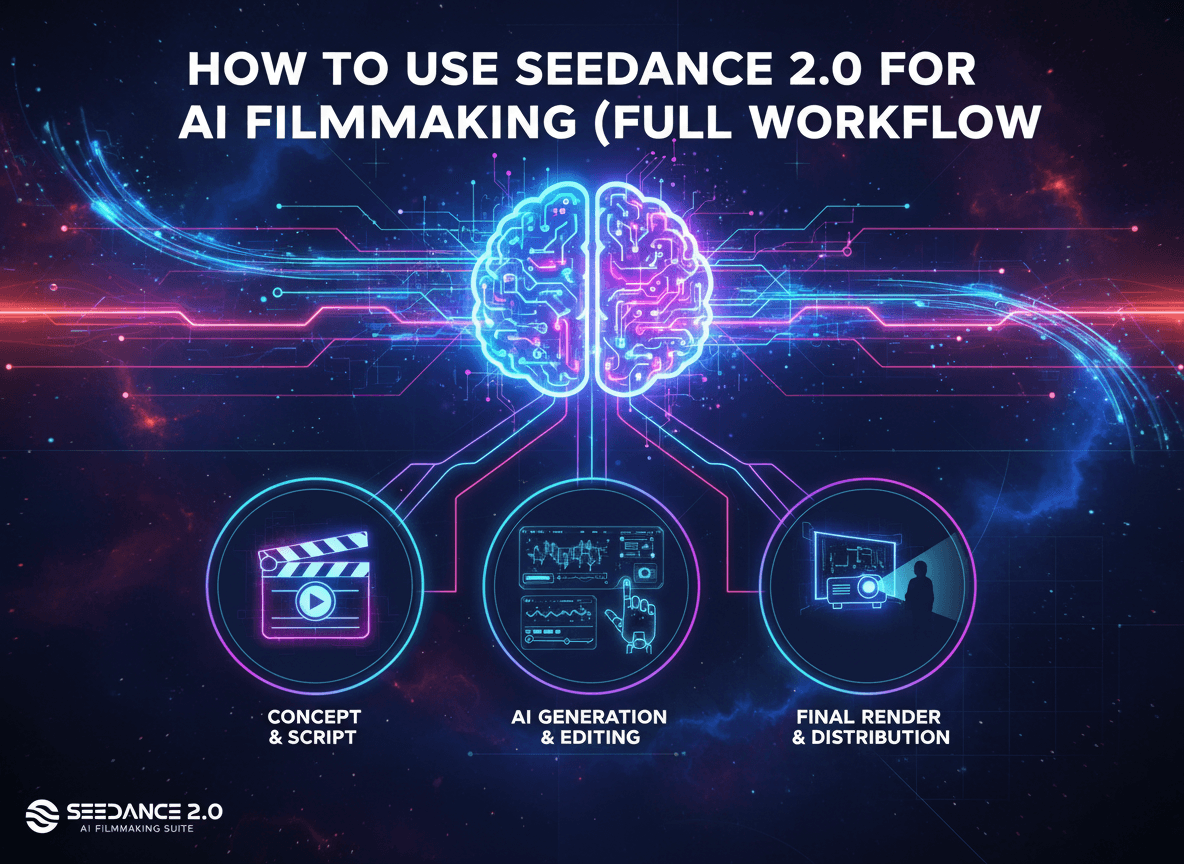
High production value AI filmmaking used to feel like a roll of the dice. You hit generate and pray the character looks the same as the last shot. Seedance 2.0 changes that. It gives you the control needed to build an actual narrative from the ground up without the usual flickering or consistency issues. I want to show you exactly how I built a cinematic short film called The Writer using a professional workflow that keeps your characters locked and your scenes looking like they came off a Hollywood set. Simple as that.
Establishing Your Creative North Star
Every great film starts with a solid concept. You need a narrative anchor before you ever touch an AI model. For my project, I went with something personal. Think back to when you were a kid. I was shy and quiet. I spent all my time writing and dreaming up characters. I decided to build a story where those imaginations become physically real. The character goes through three life stages: youth, teenage years, and adulthood. This structure gives the film a clear arc. You need this foundation. Without a story, you just have a collection of cool clips. With a story, you have a movie.
Think about it: your concept dictates your visual style. Since my film moves from hopeful childhood to a dark adult reality, the lighting and color palette must shift. Seedance 2.0 handles these tonal shifts better than any other model I have tested. It understands cinematic language. It knows the difference between a bright, airy childhood memory and a gritty, high-stakes battle. Start with your idea. Map it out. Then you move to the technical bits.
Building Character Consistency with Nano Banana Pro
Character consistency is the biggest hurdle in AI filmmaking. If your lead actor looks like a different person in every shot, your audience checks out immediately. To fix this, I use Nano Banana Pro. I do not just prompt for a character. I build a character sheet. This gives the AI a 360 degree view of what the character wears and looks like. I created a sci-fi fantasy costume design for myself. It includes a specific vest, a cybernetic arm, and a very particular cap.
Once I had my adult character sheet, I made variations for the younger versions. This keeps the lineage of the character intact. You can see the same facial structure and the same gear through different ages. This is how you build a real brand for your film. If you want to take this further, check out 15+ Gemini Prompts for Business Headshots: Create Professional AI Portraits to see how deep you can go with character detail. Using image references is a massive step up from relying on text alone. It removes the guesswork.
Generating High Impact Key Visuals
Before you generate video, you need key visuals. These are the static images that define the look of your scene. I take my character sheets into Nano Banana Pro and place the character in specific environments. For the opening, I wanted a boy sitting on the edge of a floating island. By generating this as a high quality image first, I set the benchmark for the video model. I am not asking the video AI to imagine the scene from scratch. I am giving it the blueprint.
Key visuals act as your storyboard. They help you nail the lighting and the composition. In my film, I needed a shot of the teenager meeting a giant serpent. I generated that interaction as an image first. I made sure the colors were vibrant and the scale of the creature felt massive. This approach saves you hours of rendering time. You know the shot looks good as a photo, so you know it will work as a video. This level of planning is how you move from hobbyist to pro. It is also a great way to start seeing results if you are learning how to start an AI side hustle from home with free tools.
The Professional Multi Shot Prompt Framework
Writing single shots is for amateurs. If you want cinematic pacing, you need a multi shot framework. I use a specific prompt structure that I drop into Claude or ChatGPT to get production ready sequences. I tell the AI to describe a 15 second sequence. I set rules: each shot must be between 2 and 5 seconds. I also tell it to vary the shot count based on the action. Fast cuts for fights. Long, slow beats for emotional moments.
Here is the exact framework I use for my scripts:
Write me a multi-shot prompt that describes the below scene using the uploaded image as a key visual reference…
[INSERT CHARACTER, ACTION, LOCATION, TIME OF DAY]
Structure it as a sequence of shots totalling exactly 15 seconds, where each shot is a minimum of 2 seconds and a maximum of 5 seconds. Choose the shot count freely based on what best serves the action — anywhere from 3 shots to 7 shots — and vary this choice each time the prompt is run. Chain shots with \
This framework ensures that Seedance 2.0 does not just give me one stagnant angle. It gives me a story. It gives me the camera moves, the lens types, and the focal lengths. It feels like working with a real cinematographer. Simple as that.
Mastering the Seedance 2.0 Interface on Higgsfield
You can find Seedance 2.0 on the Higgsfield platform. It is now open to everyone. You do not need a business plan anymore. When you get inside, the first step is uploading your media. I upload the key visual and the character sheet. This tells the model exactly what to reference. Consistency is about feeding the machine the right data.
Look: the settings matter. I always select the Seedance 2.0 model, not the Fast version. The Fast version is good for testing, but for a final film, you want the full model. Set your duration to 15 seconds. This matches the multi shot prompt framework. I also stick to 16:9 for that cinematic widescreen look. Finally, set the resolution to 720p. We will upscale later, but this is the sweet spot for generation. This workflow is a part of the 7 free AI marketing tools that will save you hours weekly because it streamlines the hardest part of video creation.
Implementing Advanced Cinematic Motion
One thing Seedance 2.0 does better than models like Kling 3.0 is understanding camera movement. When you use my prompt framework, the AI generates specific camera instructions. It might call for a slow push in on a boy's face or a high angle pull back. These movements add energy to your film. Static shots are boring. Motion creates emotion.
In the scene where the paper butterfly turns into a real one, the camera tracks the flight. The model handles the transition perfectly. It understands how light should hit the wings as it moves through the environment. If you want your film to feel professional, you have to think about your lens. A 35mm lens gives a different feel than an 85mm close up. My framework handles this for you, but you should understand why it is happening. It makes the world feel tangible and real.
The Secret Hack for Perfect Voice Consistency
This is the biggest secret in this entire workflow. Getting a consistent voice across multiple clips is a nightmare in most tools. But Seedance 2.0 has a trick. You can upload an audio reference. I uploaded a 15 second clip of an elderly man telling a story. I liked the gravel in his voice. I liked the pacing.
Instead of just letting the AI talk, I gave it a script. I told it to use the same voice from the reference file for every single generation. I ran four different clips with different parts of the script, and every single one came back with the exact same narrator. This is massive. It means you can generate your entire voiceover directly inside the video tool. No more trying to match voices in post production. It is a game changer for narrative continuity. No fluff. Just results.
Pushing the Limits with Physics and Combat
AI video usually struggles with physics. Fight scenes often turn into a blurry mess of limbs. I wanted to see how far I could push Seedance 2.0 with a high stakes standoff. I put the adult version of my character against an evil version. I did not provide a key visual this time. I wanted to see what the model could do with just the character sheets and a text prompt.
Wait, there's more. The result was actually impressive. The blades made contact. The sparks flew exactly where the swords met. There was no awkward limb overlapping. While there were a few shots that felt a bit like a green screen effect, the actual contact was solid. It proves that the model has a deep understanding of how objects should interact in a 3D space. If you want an action scene, Seedance 2.0 is the best weapon in your arsenal.
Upscaling for a Cinematic Look
Seedance 2.0 currently tops out at 720p. That is not enough for a big screen or a professional portfolio. You have to upscale. I use the built in Topaz Video AI integration on Higgsfield. It is simple. You drag your clip into the upscale tab.
Choose the Topaz model and set the scale factor to 4K. I also highly recommend using Frame Interpolation. I set mine to 24 or 30 FPS. This fixes the occasional jittery motion you get with AI generations. It smooths out the frames and makes the whole thing feel like it was shot on high end cinema glass. Don't skip this. It is the difference between an AI video and a film.
Final Editing and Sound Design in Premiere Pro
Once I have my 4K clips, I move into Premiere Pro. This is where you become a filmmaker. I start by laying down an adjustment layer over the entire timeline. This layer has two main jobs: sharpening and film grain. AI can sometimes look too smooth, too perfect. Real film has texture. Adding a layer of grain brings it all together and hides the digital artifacts.
Next, I focus on the audio. I take the voiceover I generated in Seedance and layer it over a score from ElevenLabs. I add sound effects for the environment. Birds chirping in the childhood scenes. The sound of clashing steel in the fight. Wind howling in the wasteland. Sound is 50 percent of the experience. If your sound is thin, your visuals will feel thin too. Spend the time to get the pacing right. Cut to the beat. Make the audience feel the impact.
The Role of the Human Director
AI is a powerful tool, but it is not a director. You are the director. You have to decide which generations work and which ones do not. Sometimes the AI will give you something cool that you did not expect. Other times, it will fail completely. You have to be selective. My film The Writer works because I picked the best two seconds of every five second clip.
Bottom line: you have to train your eye. Watch movies. Study how shots are framed. Look at how long a director stays on a character's face before cutting. The more you understand about traditional filmmaking, the better your AI films will be. Seedance 2.0 is just the engine. You are the driver. Start building. Experiment. Fail fast and fix it in the next generation.
Developing Your Future AI Film Projects
The technology is moving incredibly fast. What we can do today with Seedance 2.0 would have taken a team of VFX artists months only a year ago. We are in a unique moment where the barrier to entry is gone. Your wildest creative ideas are finally within reach. You just need the right workflow.
I am going to keep experimenting with these tools. There is so much more to discover with audio references and multi shot prompting. If you have questions, drop them in the comments. I am Jack, and I am here to help you master these tools so you can tell your own stories. Go out there and start your first project. No excuses. Just build. Simple as that.


