

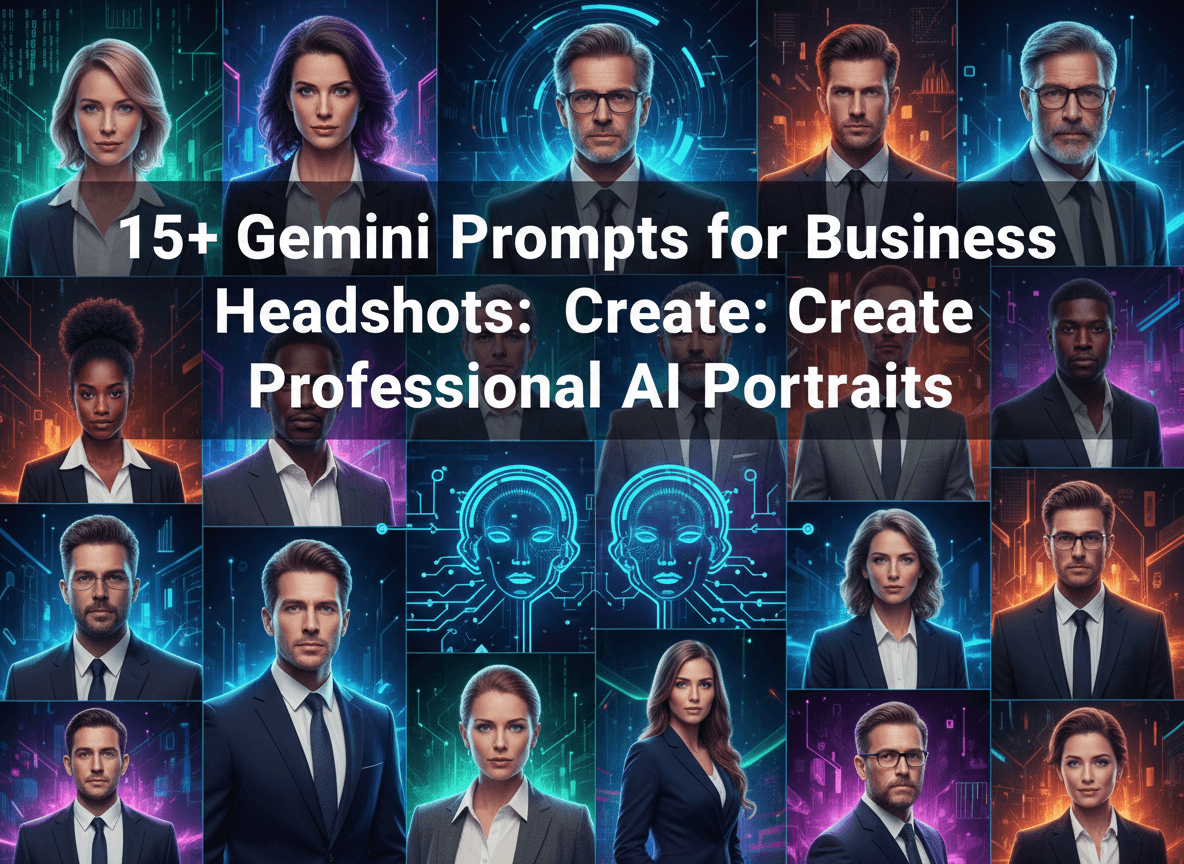
Professional headshots represent your personal brand in the digital space. A high quality image builds trust with recruiters, clients, and partners. Traditionally, you spend hundreds of dollars and several hours at a photo studio to get these results. Today, Google Gemini allows you to generate professional portraits from your computer. You use specific text instructions to guide the AI in creating images that look like expensive photography. This guide provides the exact prompts you need to produce various corporate styles while maintaining a polished and credible look.
The Shift to AI Generated Professional Imagery
The way people perceive professional identity changes as technology evolves. You no longer rely solely on physical cameras to capture your likeness. Gemini uses advanced neural networks to understand lighting, texture, and human anatomy. When you use these tools correctly, you save time and resources. AISuperHub provides many of these resources for free, including tools to help you refine your visual content. You find that AI generation allows for infinite retakes without extra costs. This accessibility levels the playing field for entrepreneurs and job seekers who need a high end look on a budget.
Essential Components of an Effective Gemini Prompt
Creating a realistic headshot requires more than just asking for a person in a suit. You must describe the technical aspects of photography. You specify the camera lens, such as an 85mm prime lens, which is standard for portraits because it flatters the face. You also define the lighting conditions. Softbox lighting or natural morning light creates a professional atmosphere. Mentioning the depth of field helps separate the subject from the background. A blurred background, known as bokeh, ensures the focus remains on you. You should also describe the attire in detail, mentioning fabrics like wool, silk, or cotton to add texture and realism.
Traditional Corporate Prompts for a Classic Look
Classic corporate headshots work best for LinkedIn and company websites. These prompts focus on neutral backgrounds and formal clothing.
Professional headshot of a middle aged businessman wearing a charcoal grey wool suit and a crisp white button down shirt.
High resolution photography, 85mm lens, f/1.8 aperture.
Neutral light grey studio background.
Soft overhead lighting with subtle shadows.
Real skin texture, pores visible, professional posture, looking directly into the lens.
The key here is the specificity of the suit material and the lens settings. You get a clean, sharp image that fits any corporate environment. Unlike 25+ Gemini Prompts for Boys: Create Fun AI Art & Stories which focus on whimsical elements, these prompts prioritize strict realism and professional decorum.
Modern Business Casual Headshots for Creative Professionals
Many industries prefer a more relaxed approach. You might work in marketing, design, or social media where a full suit feels too stiff. These prompts use natural light and textured backgrounds like brick or modern office interiors.
A professional woman in her early 30s wearing a smart navy blue blazer over a high quality beige silk top.
Natural sunlight coming from a large side window.
Modern office background with blurred green plants and glass partitions.
Photorealistic, 8k resolution, cinematic lighting.
Friendly and confident expression, slight smile, arms crossed professionally.
This style communicates approachability. Using terms like "smart navy blue blazer" helps Gemini understand the balance between professional and casual.
Prompts for Tech Founders and Startup Teams
The tech industry often values a "hoodie and jeans" or "tshirt and blazer" aesthetic. You want to look smart but innovative.
Portrait of a young tech entrepreneur wearing a premium black crew neck tshirt and a tailored grey blazer.
Industrial loft background with exposed brick and soft warm indoor lighting.
Shallow depth of field, sharp focus on eyes.
High detail skin, realistic hair follicles, natural skin tones.
Captured on Sony A7R IV, 50mm lens.
Specifying the camera model like the Sony A7R IV tells Gemini to mimic the sensor quality of high end hardware. This adds a layer of professional polish to the output.

-> Get Instant Access to the 50,000+ AI Mega Prompt Bundle with Resell Rights
Achieving Perfection with Medical and Healthcare Prompts
Medical professionals need images that convey cleanliness, trust, and authority. The background and attire are crucial here.
Headshot of a male doctor in his 40s wearing a clean white lab coat and a blue stethoscope around his neck.
Bright, clean hospital hallway background with soft bokeh.
High key lighting, no harsh shadows.
Ultra realistic, 8k, professional photography style.
Kind and trustworthy expression, looking slightly off camera.
High key lighting refers to a bright style with minimal contrast. This fits the medical theme perfectly because it looks sterile and bright. You can find more specialized tools for image enhancement at AISuperHub to further sharpen these professional results.
Legal and Financial Services Portrait Prompts
Trust is the most important factor in law and finance. You need a look that says you are serious and capable.
Professional portrait of a female lawyer in a dark forest green formal dress.
Law library background with blurred leather bound books on wooden shelves.
Rembrandt lighting style, creating a small triangle of light on the cheek.
Sophisticated and authoritative presence.
Global illumination, ray tracing, photorealistic textures.
Rembrandt lighting is a classic technique used in high end portraiture. It adds depth and a sense of history to the image. This contrasts with the lighter styles used in other prompts and creates a more dramatic, serious tone.
Using Gemini for Remote Worker Profile Pictures
If you work from home, you might want a headshot that looks professional but shows a home office environment. This builds a personal connection.
A man in a professional light blue oxford shirt sitting at a desk with a laptop visible in the lower frame.
Bright home office background with a bookshelf and a desk lamp.
Soft natural light from the front.
Portrait mode, soft focus background.
Clear skin details, realistic eye reflections, 8k resolution.
This prompt includes a bit of the environment (the laptop) to set the scene. It makes the "remote" aspect of the job part of the professional brand.
Capturing Professional Black and White Portraits
Black and white photos offer a timeless and artistic feel to a professional profile. They remove the distraction of color and focus on the character of the face.
Black and white professional headshot of a woman wearing a black turtleneck.
Solid dark grey background.
High contrast lighting, dramatic shadows on one side of the face.
Classic film grain, sharp details in the eyes and hair.
Timeless and elegant aesthetic, 85mm lens style.
If you enjoy this specific aesthetic, you should check out 20+ Gemini Prompts for Black and White Photos: Capture Stunning B&W Images for more ideas on how to use monochrome styles. Black and white images often hide small AI inconsistencies better than color images.
Advanced Lighting Techniques in Prompting
Lighting defines the mood of your photo. You should use specific terms to get the best results from Gemini. Three point lighting involves a key light, a fill light, and a back light. This is the gold standard for studio photography.
Portrait of an executive woman using three point lighting setup.
Key light from the left, soft fill light from the right, and a subtle rim light on the shoulders.
Wearing a formal pinstripe suit.
Blurred corporate boardroom background.
Hyper realistic, cinematic quality, 8k.
A rim light helps separate the subject from the background by creating a thin line of light around the edges of the person. This makes the image look three dimensional rather than flat.
Mastering Background and Environment Details
The background tells a story about your career. A blurred city skyline suggests a global or urban professional. A botanical garden suggests someone in wellness or sustainability.
-> Get Instant Access to the 50,000+ AI Mega Prompt Bundle with Resell Rights
Professional headshot of a man in a linen shirt.
Background is a blurred rooftop terrace with a city skyline at sunset.
Golden hour lighting, warm tones, soft shadows.
High resolution, realistic skin, 85mm portrait lens.
Confident and relaxed posture.
Golden hour refers to the time just before sunset when the light is orange and soft. It is very flattering for skin tones. While you might use different styles for events, like those found in 10+ Gemini Prompts for Bridal Photoshoots: Design Dream Wedding Shots, the golden hour technique remains a universal favorite for high quality portraits.
Tips for Ensuring Realism and Avoiding AI Glitches
AI sometimes struggles with specific details like hands or complex patterns. For headshots, hands are usually not in the frame, which helps. However, you must focus on the eyes and skin. Use words like "natural skin texture" and "imperfections" to avoid the "plastic" look common in low quality AI images. Avoid asking for "perfect skin" because Gemini might make the person look like a mannequin. Instead, ask for "visible pores" and "realistic skin pigmentation." This creates a human connection that feels authentic to viewers.
Refining Your Results with Follow Up Prompts
You rarely get the perfect image on the first try. Gemini allows you to refine the output. If the hair looks wrong, you tell Gemini to "keep the same image but change the hairstyle to a neat professional bun." If the clothes are too casual, you say "change the tshirt to a formal white shirt and a silk tie." You can also adjust the lighting by asking to "make the lighting warmer" or "increase the background blur." This iterative process is how you achieve a result that looks like a professional photographer took it.
The Importance of Aspect Ratio and Framing
By default, many AI models produce square images. For a headshot, you might want a 4:5 aspect ratio or a standard portrait 2:3 ratio. While Gemini often handles the crop automatically, you can specify "vertical portrait" or "centered framing" to ensure the head and shoulders are positioned correctly. You want enough space around the head so that you can crop it for different platforms like LinkedIn or X without cutting off the top of the hair.
Preparing Your AI Headshot for Public Use
Once you generate a great image, you might need some final touches. Sometimes the AI produces a slightly soft image. You can use enhancement tools on AISuperHub to increase the sharpness and resolution. You should also check for any digital artifacts in the background or on the clothing. Small glitches can be fixed with basic photo editing software. Always ensure the final image reflects how you want to be seen in a professional setting. The goal is to enhance your presence, not to create a completely different person.
Ethical Considerations for Professional AI Portraits
Using AI for headshots is a powerful tool, but you must use it responsibly. Ensure the AI generation reflects your actual appearance. If you have a specific facial feature, try to include that in your description so the AI remains representative of you. Professionalism relies on honesty. If your AI headshot looks nothing like you in real life, it might create a disconnect during video calls or in person meetings. Use the technology to get the best version of your professional self, focusing on high quality lighting and professional attire that you actually own or wear.
Conclusion
Gemini offers a fast and cost effective way to generate professional business headshots. By mastering the art of the prompt, you control the lighting, composition, and mood of your professional image. You can switch from a formal legal portrait to a casual tech founder look in seconds. Use the prompts provided in this guide to build a digital presence that commands respect. For more advanced AI tools and prompt collections, visit AISuperHub to continue improving your digital workflow. Professionalism is now accessible to everyone with a few lines of well written text.


