

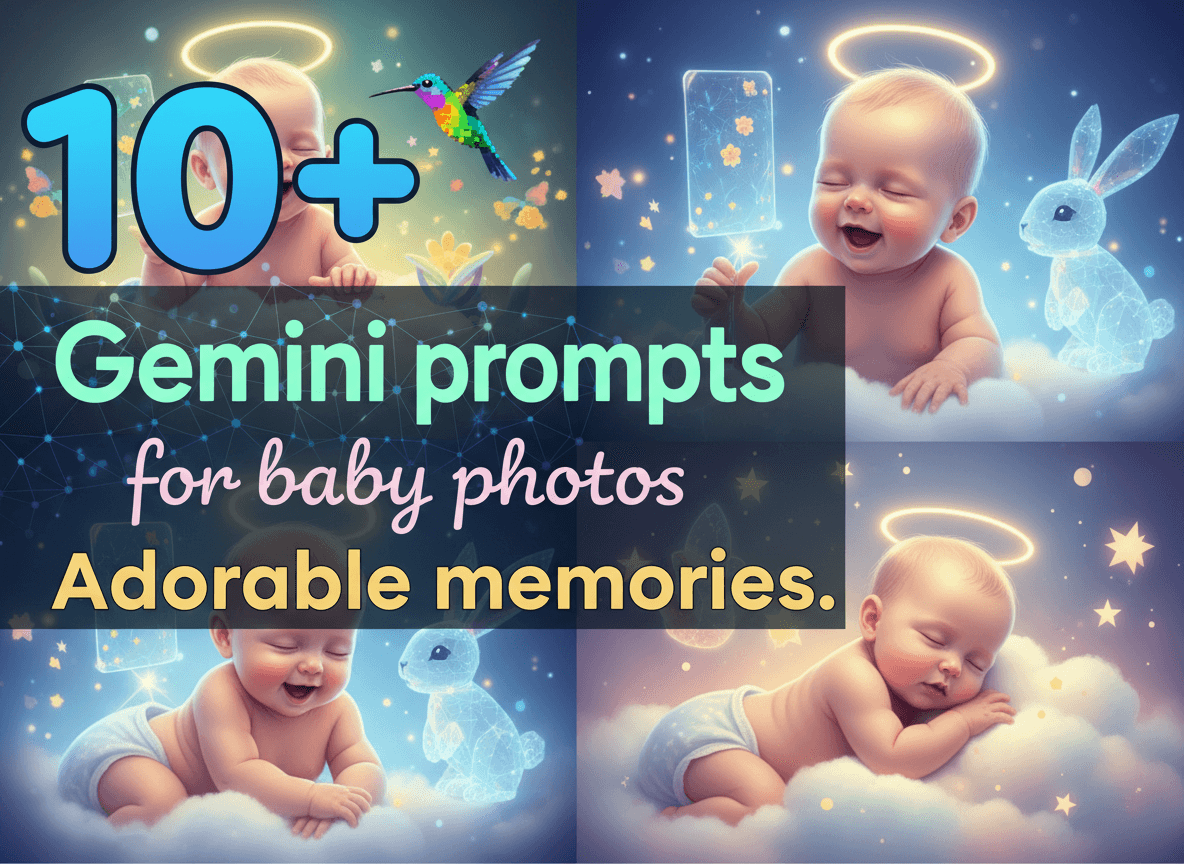
Capturing the perfect moment of a newborn requires patience and skill that many people find difficult to master. Gemini changes this by allowing you to generate stunning baby images that look professional and heartwarming. You save time and money while getting high quality results for social media or family albums. This guide provides specific instructions to help you get the best out of AI baby photography.
Why Gemini Works for Newborn Images
Gemini handles textures and lighting with surprising accuracy. It understands the soft skin tones and delicate features that make baby photos special. You get results that mimic high end DSLR cameras without the expensive gear. The AI processes descriptions of fabric and light to create a realistic feel. This makes it a top choice for parents and creators who want quick but beautiful results. You control every detail from the background to the clothing. No more waiting for a baby to stop crying to get the right shot. You simply type what you want and see the result.
The Secret to Great AI Baby Prompts
Specific details make the difference between a generic image and a masterpiece. You need to mention lighting styles like soft box or natural window light. Mentioning materials like wool, silk, or cotton adds depth to the image. Specify the angle of the shot to change the perspective. High angle shots look sweet while eye level shots feel personal. Use descriptive words that focus on the mood. Words like peaceful, curious, or giggling guide the AI toward the right expression. Think about the color palette too. Soft blues, pinks, and creams work best for traditional looks.
1. The Sleeping Angel Prompt
This prompt focuses on the classic newborn look where the baby sleeps peacefully. It emphasizes soft textures and warm lighting.
A newborn baby sleeping peacefully on a thick white wool blanket. Soft golden hour sunlight streams from a nearby window. The baby wears a simple white cotton hat. Close up shot focusing on the face and tiny hands. Hyper realistic skin textures. Soft focus background. 8k resolution. Cinematic lighting.

Notice how the prompt mentions the fabric. Wool adds a cozy feeling that viewers love. The lighting description ensures the scene does not look flat. You get a professional studio vibe with minimal effort. This is perfect for birth announcements.
2. The Tiny Explorer Prompt
If you want something more active, this prompt puts the baby in a curious setting. It works well for older babies who can sit up or crawl.
A six month old baby with big brown eyes sitting on a green lawn. The baby wears denim overalls and a striped shirt. Sunlight filters through tree leaves creating dappled shadows. The baby looks at a small yellow butterfly on a daisy. Vivid colors. Shallow depth of field. Sharp focus on the baby's face.

This creates a story. It captures a moment of discovery. The mention of dappled shadows adds a layer of realism that basic prompts miss. You can change the butterfly to a wooden toy or a ball to vary the scene.
3. Creating Custom Characters
Sometimes you want to turn a baby photo into something more stylized. You can take inspiration from other character designs. For example, you might want to see how AI handles different personas. You can check out these 18+ Gemini prompts for avatar: Personalized characters. to see how to define specific traits. Applying those character principles to baby photos helps you create a unique look for a digital brand or a themed party invite.
4. Seasonal Joy Prompts
Holiday photos are a staple for every family. These prompts help you create festive memories without the stress of a real photoshoot.
A baby sitting inside a large pumpkin. Autumn leaves scattered on the ground. The baby wears a orange knit hat with a green stem. Warm outdoor lighting. Rustic wooden fence in the background. High detail textures. Fall color palette.
Or for winter:

-> Get Instant Access to the 50,000+ AI Mega Prompt Bundle with Resell Rights
A baby wrapped in a thick red scarf sitting next to a small decorated Christmas tree. The baby smiles at the glowing lights. Soft indoor lighting. Bokeh effect from the tree lights. Cozy atmosphere. Professional photography style.
These prompts use specific props to define the season. You can swap the pumpkin for a basket of spring flowers or a beach towel to change the time of year.
5. Storybook and Whimsical Themes
AI allows you to create scenes that are impossible in real life. This is where your creativity shines. You can place a baby in a dreamlike environment.
A baby floating on a fluffy white cloud in a purple and pink sunset sky. The baby sleeps on their side. Small golden stars twinkle around the cloud. Dreamy atmosphere. Soft edges. Digital art style mixed with realism. High contrast.
This type of image works great for nursery decor. It moves away from standard photography and into the world of imagination. The key here is describing the environment as much as the baby.
6. Architecture and Background Design
The setting around the baby often dictates the quality of the photo. If you want a modern or classic nursery look, you need to prompt for the room design too. You can get ideas from 15+ Gemini prompts for architecture: Innovative designs. to build the perfect room for your AI baby. A well designed room makes the photo look like it belongs in a high end magazine.
Newborn baby lying on a minimalist wooden crib. The room has high ceilings and a large floor to ceiling window. Modern Scandinavian furniture. Soft grey walls. Natural light. Wide angle shot to show the room design. Ultra realistic.
7. Animal Best Friends
Combining babies and animals always results in high engagement. Real shoots with animals are dangerous and difficult. AI makes it safe and easy.
A baby crawling toward a golden retriever puppy. Both are on a light colored rug. The baby is laughing. The puppy has its tail wagging. Bright morning light. Domestic setting. Authentic family photo style. High resolution.
Be sure to describe the interaction. Words like laughing or wagging tail help the AI understand the relationship between the subjects. This creates a heartwarming image that feels real.
8. Minimalist Black and White
Sometimes less is more. Black and white photography focuses on shapes and emotions. It strips away distractions.
A black and white close up of a baby's feet held in a parent's hands. High contrast. Dark background. Focus on the skin textures and the scale difference between hands and feet. Moody lighting. Artistic photography style.
This style is timeless. It emphasizes the bond between parent and child. Gemini handles the shadows and highlights well in monochrome prompts.
9. Monetizing Your AI Photography
If you get good at creating these images, you can turn it into a business. People pay for custom digital art and photo enhancements. To scale this into a real income stream, you need customers. Learn 10 Proven Ways to Find SaaS Customers and get your first 100 sales in 2026 to understand how to market digital services. You can offer custom baby portraits for parents who want fantasy versions of their children.
10. The Culinary Chaos Prompt
Babies and food usually result in funny memories. This prompt captures the mess in a cute way.
A baby sitting in a high chair covered in spaghetti sauce. The baby has a big grin and sauce on their nose. A bowl of pasta is on the tray. Kitchen background. Natural indoor lighting. Candid photo style. Realistic messy details.
Candid styles feel more authentic than posed ones. Use this when you want to show the fun and messy side of parenting.
11. Botanical Garden Backdrop
Flowers add color and softness to baby photos. A garden setting is perfect for spring or summer themes.

-> Get Instant Access to the 21,000+ AI Image Prompt Bundle with Resell Rights
A baby lying in a nest of lavender and white roses. The baby wears a floral headband. Soft pastel colors. Diffused sunlight. Macro photography style. High detail on the flower petals and baby's eyelashes.
Macro photography descriptions tell the AI to zoom in. This highlights the tiny details that people find adorable.
Technical Tips for Better Results
Look at the skin. If it looks too smooth or plastic, add the word grain or skin texture to your prompt. If the eyes look strange, specify eye color and catchlight. A catchlight is the tiny reflection of light in the eye. It makes the subject look alive. You can use tools on https://aisuperhub.io/ to enhance these images after you generate them. Photo restoration and enhancement tools can fix minor AI errors.
Understanding Lighting Styles
Lighting changes everything. Side lighting creates depth and shadows. It makes the photo look more dramatic. Front lighting is flat but clear. Backlighting creates a halo effect around the baby's hair. Always specify the light source. Use phrases like light from the left or backlit by sunset. This gives you more control over the final look.
Choosing the Right Aspect Ratio
For Instagram or TikTok, use a vertical aspect ratio. For blog posts or prints, a horizontal or square ratio works better. While Gemini often defaults to square, you can specify dimensions in your prompt. This saves you from cropping later and losing important details.
Ethics and Safety in AI Photography
When using AI to create baby images, always be transparent. If you use these for a business, let people know they are AI generated. This builds trust with your audience. Avoid creating images that look too realistic if you plan to use them in contexts where people might mistake them for real people without permission. Use these tools for creativity and art.
Creating a Series
Consistency matters if you are building a brand. Use similar keywords across different prompts to keep a consistent style. Mention the same lighting and color palette every time. This creates a cohesive look for your portfolio or social media feed. You can create a whole storybook for a child using this method.
Finalizing Your Workflow
Start with a simple prompt and then add layers. Do not try to put every detail in the first try. See what the AI produces and then refine. Add more description for the background if it is too plain. Change the clothing if it looks wrong. This iterative process is how pros get the best results. You have all the tools you need to create stunning baby photos today. Visit https://aisuperhub.io/ to find more tools that help you with image generation and prompt engineering.
Bottom line: Gemini is a game changer for creative photography. You no longer need a studio to get professional results. Focus on the details and the mood. The results will speak for themselves. Start experimenting with these prompts and see what you can create. Simple as that. No fluff. Just great photos.


