

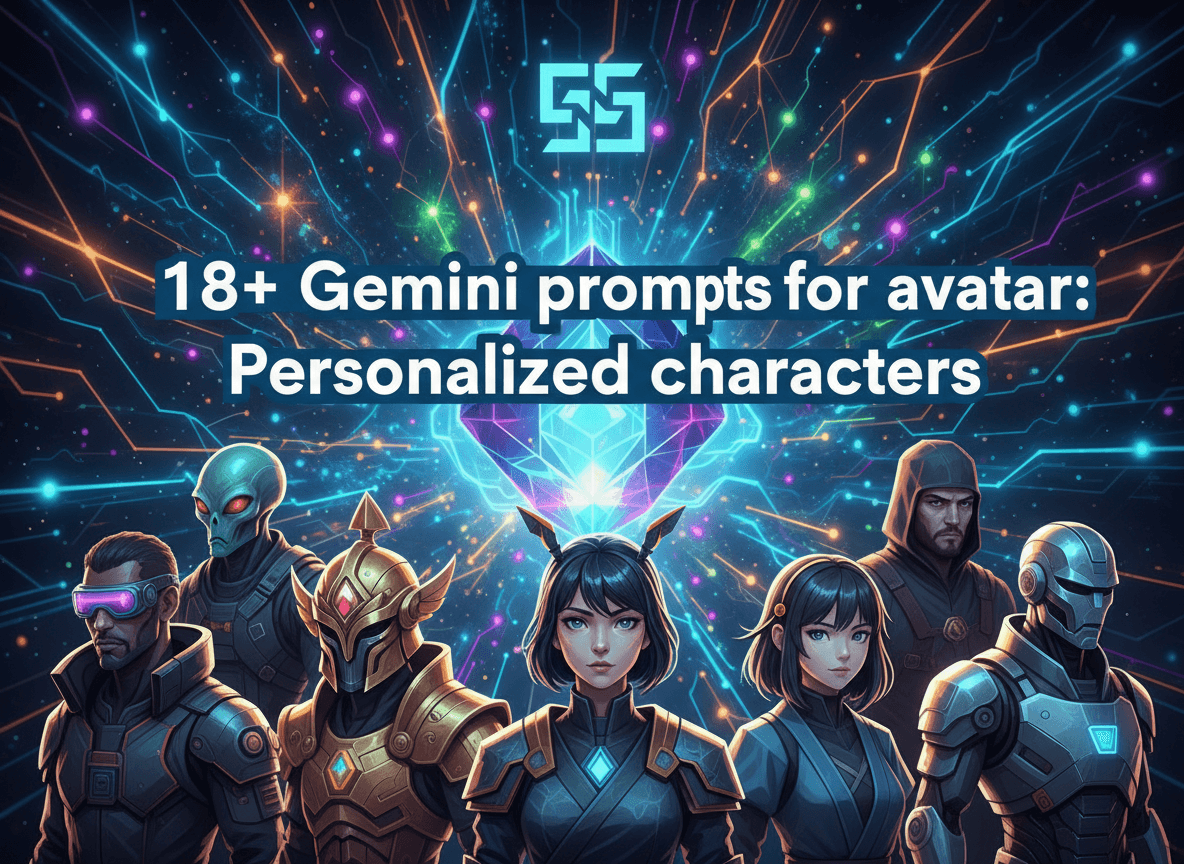
Google Gemini changes how you build your digital identity by making character design simple and fast. You create unique avatars for social media, gaming, or business without any graphic design skills. These prompts give you a direct path to high quality visuals that match your specific vision. You gain total control over your online look while saving hours of manual work and money. No more generic profile pictures. No more paying artists for simple edits. You use AI to generate exact matches for your personality.
The Rise of Gemini AI Avatar Creator
Gemini uses advanced image models to turn text into visual assets. You describe a person and Gemini builds the image. This tool works at high speeds. It understands detailed instructions with precision. You get a unique digital twin in seconds. This method beats manual drawing every time. You avoid the high costs of hiring professional illustrators. AI technology makes visual storytelling accessible to everyone. You decide on the skin tone, clothing, and background. Gemini handles the complex rendering. The final result looks polished and professional.
Create Avatar with Gemini for Social Media
Your profile picture defines your online presence. Most people use boring selfies or stock images. You stand out by using a custom digital avatar. This protects your privacy while building a brand. You control every detail from the lighting to the expression. Think about the vibe you want to project. A friendly smile builds trust. A serious look shows authority. You change these elements with a simple text change. Digital avatars also work well across different platforms. You keep your look consistent on Discord, Twitter, and LinkedIn. This consistency helps people recognize you instantly.
Choosing a Visual Style for Your Character
Styles vary based on your needs. You might want a 3D animation look. Maybe you prefer a 2D sketch. Some users like realistic photography. Use specific words to guide the AI model. Cinematic lighting makes a massive difference. High contrast adds a dramatic feel. Soft lighting makes the character look approachable. You also pick the camera angle. A front view is standard. A side profile looks artistic. A low angle makes the character look strong. Think about the mood before you write the prompt. The style sets the tone for your entire profile.
Professional Business Avatars
Use these for LinkedIn or your company website. You look professional without visiting a studio. The focus remains on clarity and trust. Keep the background simple to avoid distractions.
-
Prompt 1: Professional headshot of a woman in a navy blue blazer. Neutral gray background. Soft studio lighting. High resolution. Realistic skin textures. Sharp focus on the eyes.
-
Prompt 2: Male entrepreneur in a modern office. Sunlight hitting the face from a window. Wearing a white button down shirt. Friendly and confident expression. Bokeh background of a clean workspace.
-
Prompt 3: Close up portrait of a tech CEO. High tech glass office background. Sharp focus. Minimalist professional attire. Blue and white color palette.
-
Prompt 4: Business professional avatar. Minimalism style. Solid pastel background. High quality digital art style. Clean lines and modern aesthetic.
Look: These prompts work because they define the environment. You want your professional avatar to look clean. Avoid busy backgrounds here. The blazer and the office setting tell a story of success. The lighting highlights the face to make you look real and human.
Fantasy and RPG Character Prompts
Gamers love unique characters for their profiles. You build your own hero for your next campaign or stream. These prompts focus on magic and adventure.
-
Prompt 5: Elf warrior with silver hair and green eyes. Ornate gold armor with leaf patterns. Enchanted forest background with floating light particles. High fantasy style.
-
Prompt 6: Dwarf blacksmith in a glowing forge. Thick beard with metal braids. Holding a heavy hammer. Cinematic lighting with orange embers and smoke.
-
Prompt 7: Mystical mage holding a crystal staff. Purple silk robes. Glowing magical aura around the hands. Dark stone dungeon background.
-
Prompt 8: Rogue assassin hiding in the shadows. Dark leather armor. Hooded face with glowing blue eyes. City rooftop at night under a full moon.
The best part? You can mix these styles. Maybe your elf lives in a city. Maybe your mage wears armor.
20+ Gemini prompts for anime: Creative artwork. provides more ideas if you like a hand drawn fantasy look.
Sci Fi and Cyberpunk Digital Identities
The future looks bright and neon. These characters fit perfectly on gaming forums or tech blogs. They use vibrant colors and high tech elements.
-
Prompt 9: Cyberpunk character with neon blue hair and a yellow jacket. Cybernetic eye implant with a red glow. Rain slicked street background with neon signs.
-
Prompt 10: Astronaut in a sleek white space suit. Reflection of a distant planet in the visor. Inside a high tech spaceship cockpit with glowing buttons.
-
Prompt 11: Robotic android with human facial features. Visible circuit patterns on the neck and cheeks. Clean white lab background with clinical lighting.
-
Prompt 12: Bounty hunter in a desert wasteland. Futuristic metal armor with scratches and wear. Two suns in the orange sky. Cinematic wide shot.
Think about it: Cyberpunk is all about contrast. You use dark shadows and bright lights. This makes the avatar pop on a dark mode screen. It shows you are into tech and the future.
Personalized AI Avatar Prompts for Stylized Art
Not everything needs to look like a photo. Sometimes a stylized art piece is more memorable. These work great for creative professionals and artists.
-
Prompt 13: 3D animated character style. Girl with round glasses and a yellow wool sweater. Soft claymation look. Bright colors and happy expression.
-
Prompt 14: Vector art style avatar. Man with a thick beard and a flat cap. Geometric shapes and bold lines. Minimalist color palette of orange and teal.
-
Prompt 15: Hand drawn charcoal sketch of a pensive man. High contrast black and white. Artistic and moody with visible pencil strokes.
-
Prompt 16: Pop art style avatar. Vibrant primary colors. Ben Day dots background. Retro comic book feel with a bold black outline.
These styles help you create a specific brand image. Vector art looks modern and clean. 3D animation looks friendly and fun. You choose the one that fits your message.
If you enjoy designing environments for these characters,
15+ Gemini prompts for architecture: Innovative designs. shows you how to build the buildings they live in.
Creative Hobbyist Characters
Show the world what you love doing. These avatars highlight your passions and skills. They feel personal and grounded.
-
Prompt 17: Female artist covered in blue and red paint splatters. Holding a wooden paint brush. Bright studio background with blurred canvases.
-
Prompt 18: Professional chef in a busy kitchen. White chef coat and tall hat. Action shot tossing green vegetables in a silver pan. Steam rising.
-
Prompt 19: Musician with an acoustic guitar. Soft campfire lighting in a dark woods. Wearing a flannel shirt. Warm and cozy atmosphere.
-
Prompt 20: Mountain traveler with a large backpack. Standing on a rocky peak. Sunset lighting with purple and gold clouds. Epic view of the valley.
Wait, there is more. You can add specific items. If you are a writer, add a typewriter. If you are a gamer, add a headset. Gemini follows these small details closely to make the avatar yours.
Fine Tuning Your Virtual Character Design AI
Details make the difference between a good image and a great one. You change the skin tone with words like olive or pale. You change the eye color to emerald green or deep brown. Mention the fabric of the clothes. Silk looks shiny. Cotton looks matte. Leather has a specific texture. Mention the hair style too. Buzz cut, long waves, or messy bun. Every word helps Gemini refine the output. You also specify the mood. A smirk is different from a laugh. A glare is different from a stare. Small shifts in your text create big changes in the visual.
Custom Digital Avatar Gemini Best Practices
Write long descriptions. The more data you give Gemini, the better the result. Avoid vague words like good or nice. Instead, use words like intricate, detailed, or vibrant. Repeat key terms if they are vital. If you want a lot of neon, mention neon twice in different ways. Focus on the lighting. Lighting defines the shape of the face. Side lighting creates depth. Top lighting can look harsh. Use studio lighting for a clean look. Also, define the resolution. Words like 8k or high definition tell the AI to focus on the small details like pores and hair strands.
Monetizing Your AI Avatars with AISuperHub
You can turn these skills into a business. Many people want custom avatars but do not know how to write prompts. You offer this as a service. You create sets of avatars for brands or individuals. Use AISuperHub to find tools that help you generate and manage these assets. You can also build digital products like prompt packs. People pay for the exact text that generates high quality results. This is a growing field for creators. Once you have a product, you need to find people to buy it. Learn
10 Proven Ways to Find SaaS Customers and get your first 100 sales in 2026 to help you market your AI services and products effectively.
Why AISuperHub is Your Best Resource
Finding the right tools takes time. AISuperHub simplifies the process. You get access to free generators and a directory of the best AI software. It helps you stay ahead of trends. You see what prompts are working for others. It serves as a central point for your AI journey. Whether you are a marketer or a student, this hub provides the resources you need to succeed. You learn how to automate tasks and create better content. It is a one stop shop for anyone using AI to build a business or a personal brand.
Troubleshooting Your Avatar Prompts
Sometimes the image does not look right. AI can struggle with certain features. If the hands look strange, try a prompt that hides the hands or specifies perfect fingers. If the face is blurry, add sharp focus or high resolution to your text. If the colors feel dull, ask for a vibrant color palette or specific lighting like golden hour. Do not be afraid to iterate. Change one word at a time to see how it impacts the image. This is how you master the tool. You learn the language of Gemini. Eventually, you get the perfect avatar on the first try. Simple as that. No fluff. Just results. You now have the tools to build any character you can imagine. Start creating today and define your digital presence.


