
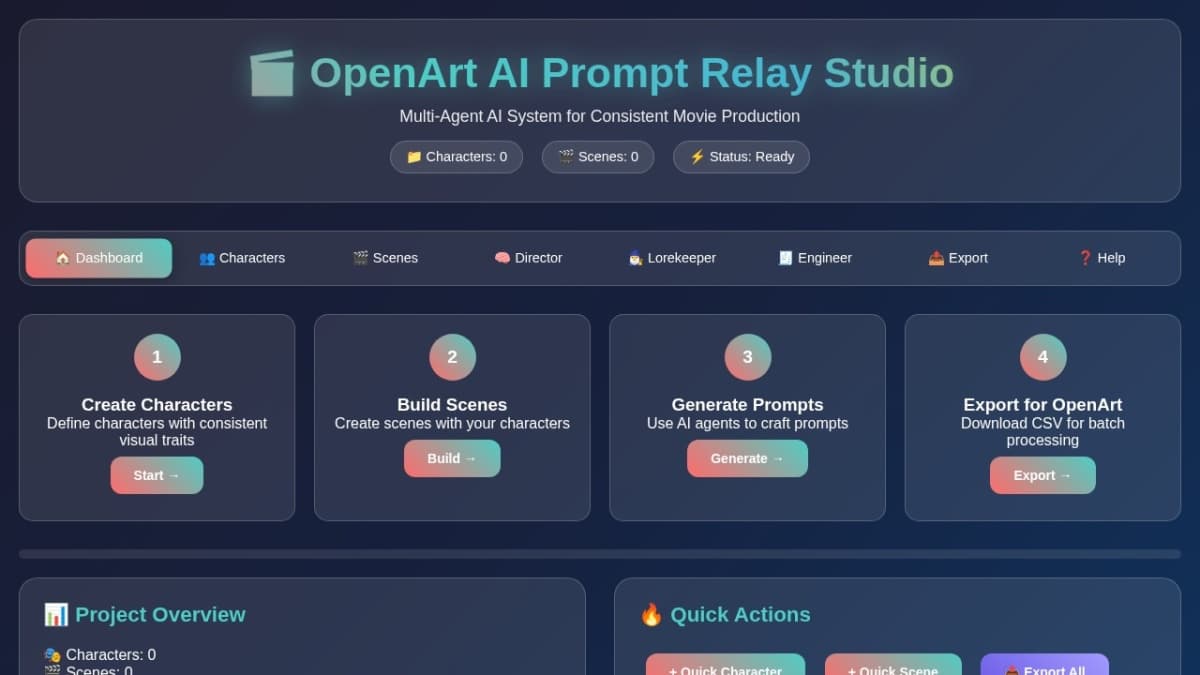
OpenArt AI Prompt Relay Studio
Format prompts for different AI platforms. Export as CSV for batch processing in OpenArt AI or other image generators. Not sponsored by OpenAI.
How to Use OpenArt AI Prompt Relay Studio 🏠 1. Dashboard Overview Start here to see your project status and quick actions. The dashboard shows how many characters and scenes you've created.
👥 2. Create Characters Define consistent characters with physical descriptions, roles, and visual styles. All characters are saved locally and can be reused across scenes.
🎬 3. Build Scenes Create scenes using your characters. Define location, time, mood, and camera angles. Each scene becomes a template for prompt generation.
🧠 4. Director Agent Generate polished, cinematic prompts from your scenes. The Director ensures consistency and professional quality for OpenArt AI.
🧙♂️ 5. Lorekeeper Agent Maintain narrative continuity across scenes. The Lorekeeper provides style guidelines and ensures visual consistency throughout your project.
🧾 6. Engineer Agent Format prompts for different AI platforms. Export as CSV for batch processing in OpenArt AI or other image generators.
🔥 Pro Workflow Tips: Character First: Always create your characters before building scenes Consistent Descriptions: Use similar language patterns across character descriptions Scene Templates: Create scene templates for different types of shots Batch Processing: Use the Engineer to format multiple scenes at once Regular Exports: Export your project regularly as backup OpenArt Optimization: Use the CSV export for batch uploading to OpenArt AI ⚠️ Important Notes: All data is saved locally in your browser Clear browser data will reset your project Export regularly to prevent data loss Works best with modern browsers (Chrome, Firefox, Safari) Mobile responsive for on-the-go editing
Visit Website
Explore OpenArt AI Prompt Relay Studio and its features on their official website.
Visit SiteOpenArt AI Prompt Relay Studio Alternatives Free and Paid
Explore other popular AI tools for Video Generation.
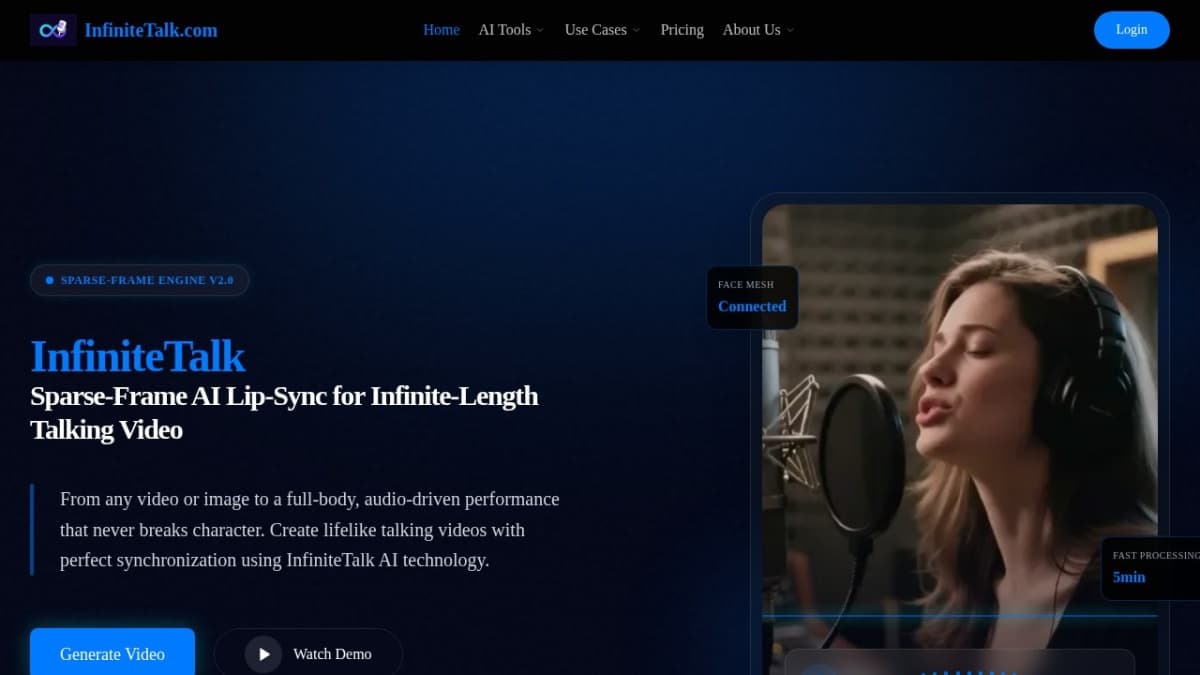
InfiniteTalk AI Lip-Sync Talking Video Generator
Create lifelike talking videos with perfect lip sync. Turn any image or video into audio-driven performances using InfiniteTalk AI technology.
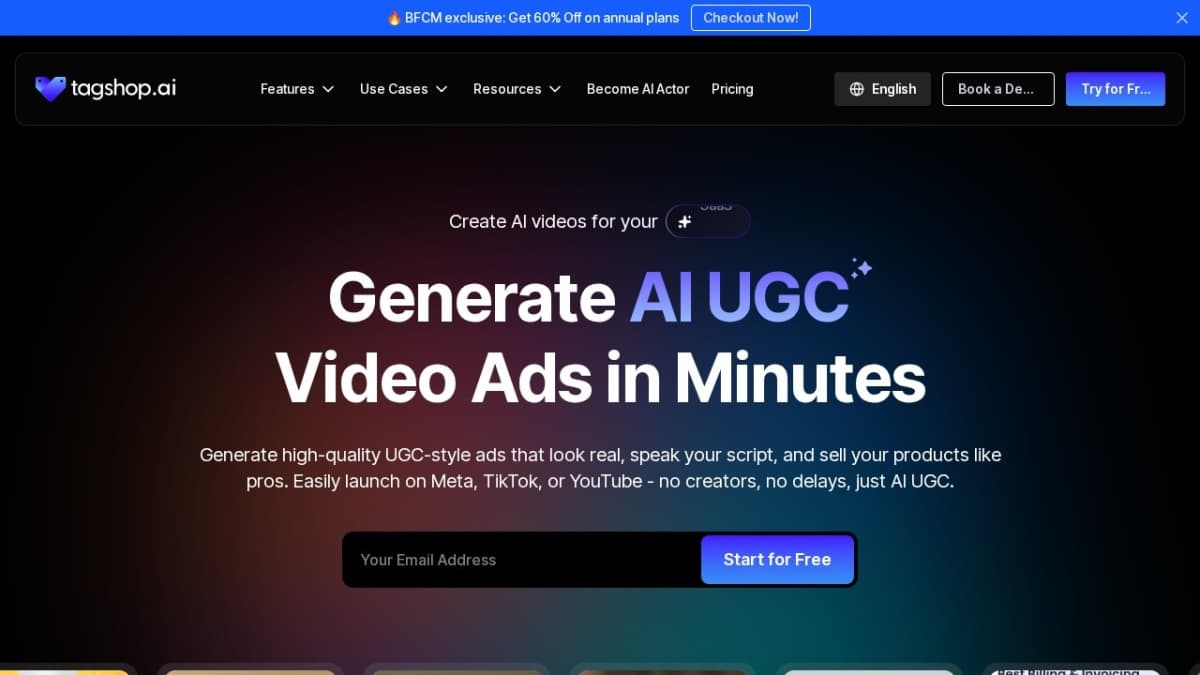
Tagshop
Tagshop is an AI video ad generator that helps brands create realistic, UGC-style ads using AI creators. It’s fast, affordable, and designed to boost engagement and conversions effortlessly.
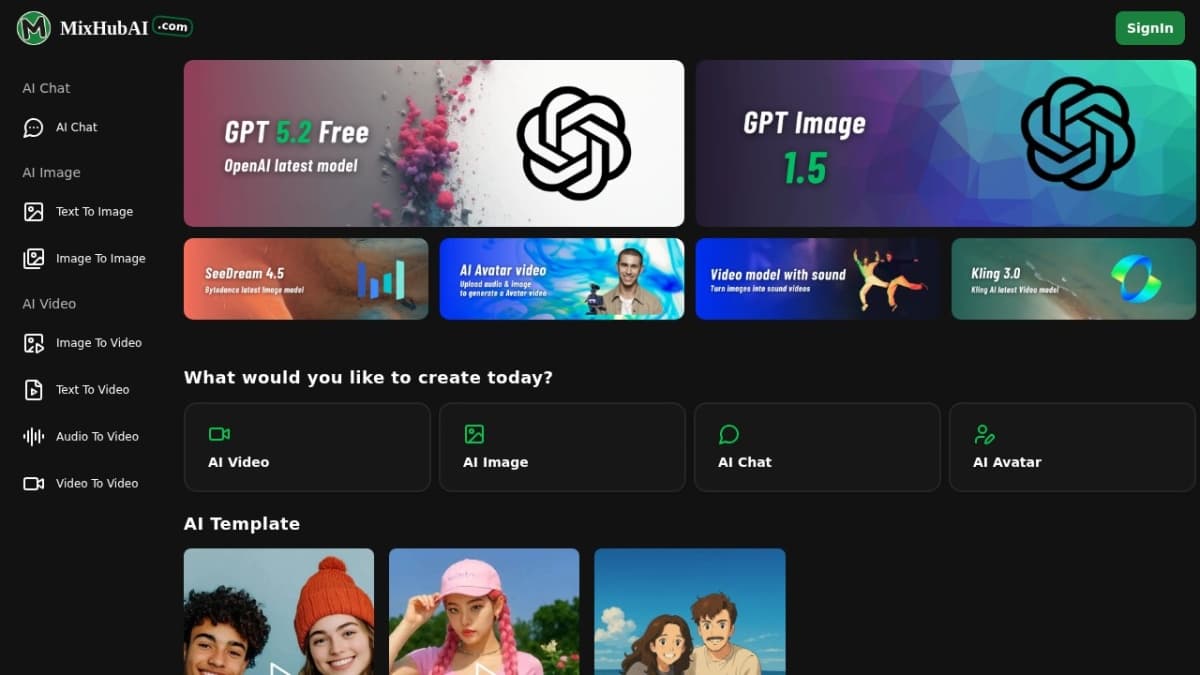
MixHub AI
MixHub AI is an all‑in‑one cloud platform for creating text, images, and videos using advanced AI models.
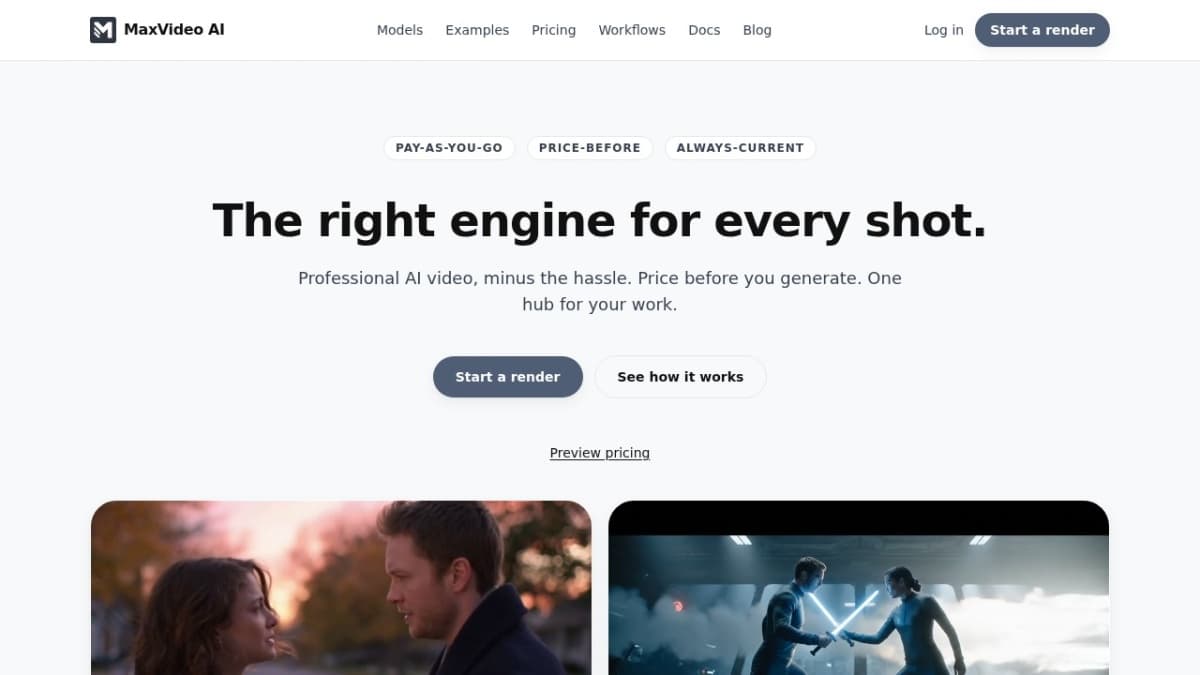
MaxVideoAI Hub
Generate cinematic videos instantly with Sora 2, Veo 3, Pika 2.2 & MiniMax — all in one dashboard.